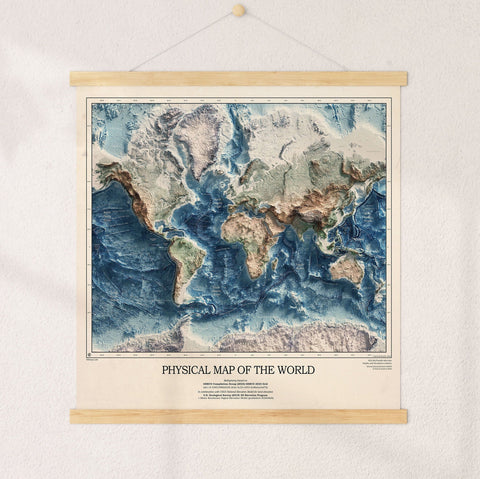



KR Maps Journeys
Get the app.It's free, and it's here.
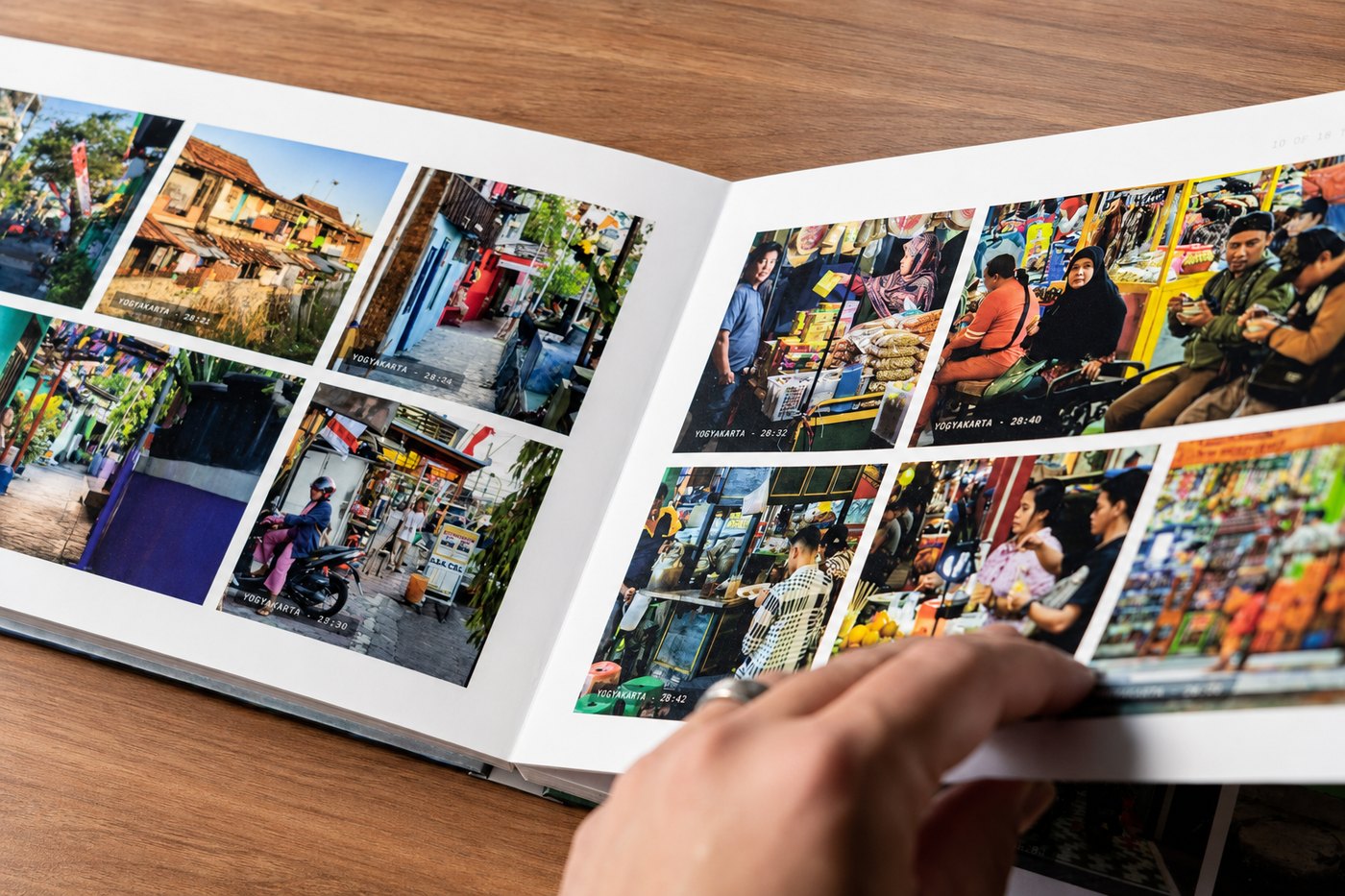
Scan your wall map and Journeys quietly sorts your travel photos into the trips you took. Grab it on your phone below - it takes about a minute.
iPhone & iPad
Join on TestFlight
- Tap 'Download via TestFlight' above
- Install Apple's free TestFlight app if it asks
- Open the invite, then tap Install
- Launch Journeys and scan your map
Android
Join on Google Play
- Tap 'Get it on Google Play' above
- Tap Install on the Google Play page
- Open Journeys when it finishes
- Scan your map to begin
Supported maps
Made for your wall map.
Journeys works with these KR Maps push-pin styles. Own one - bought last week or last year - and you're in.
Heartstrings WorldHeartstrings USAMuted Tones WorldMuted Tones USAVibrant WorldVibrant USAExecutive World
Prefer to get the link by email?
Journeys-ready
Find a supported map
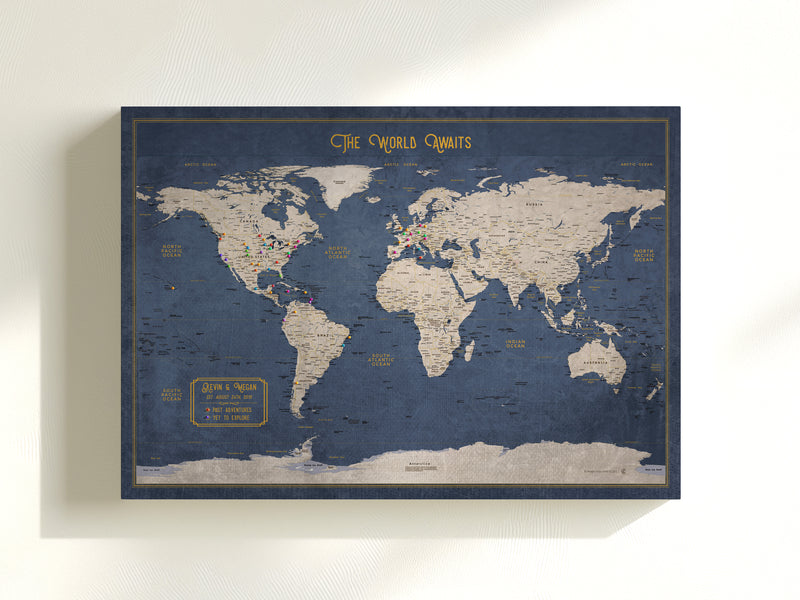
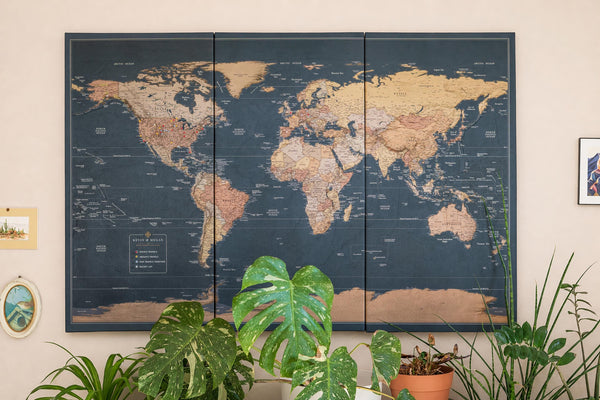
Personalized Push Pin World Map - Executive Style
From $44.95
Push Pin Map
★★★★★
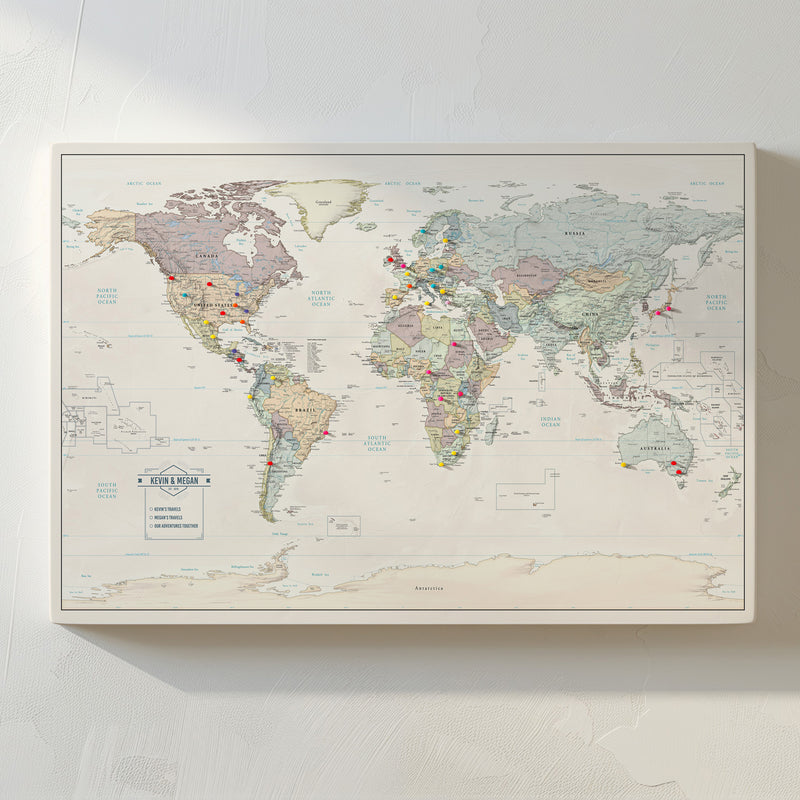
Push Pin Map - Muted Tones Style World Map
From $69.95
Push Pin Map
★★★★★

Push Pin Map - Colorful Style World Map
From $69.95
Push Pin Map
★★★★★
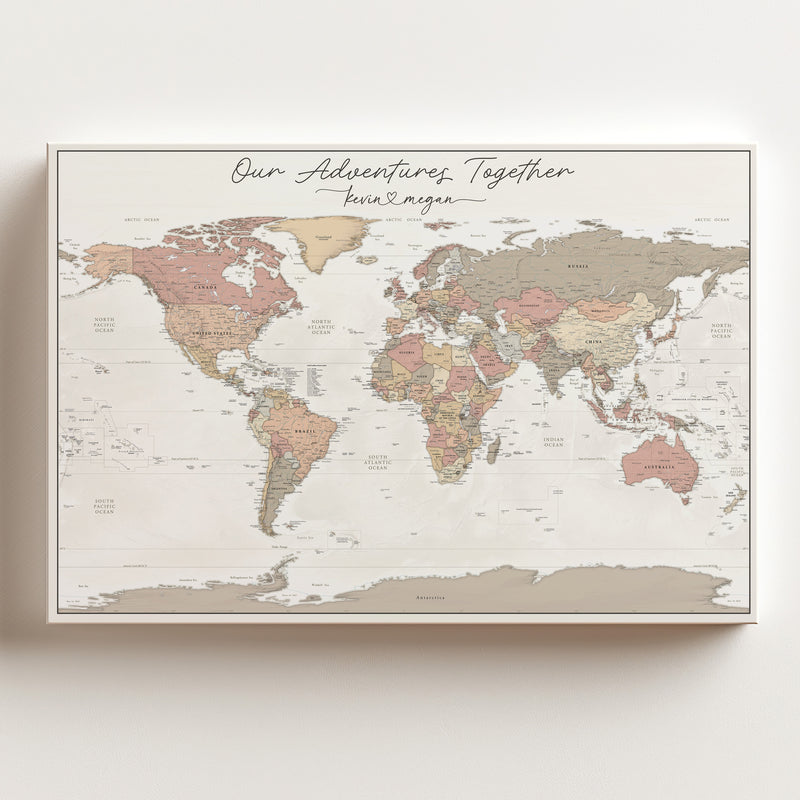
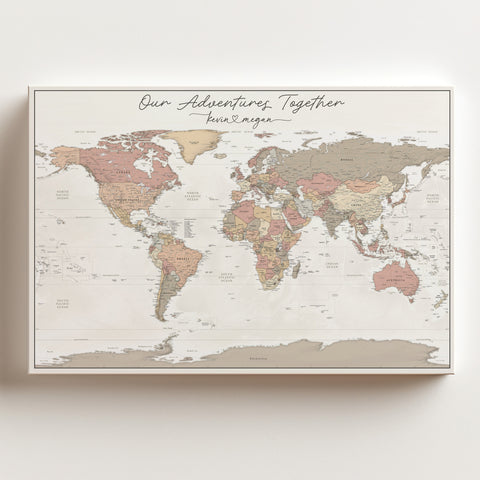
Push Pin Map - Heartstrings World Map
From $69.95
Push Pin Map
★★★★★
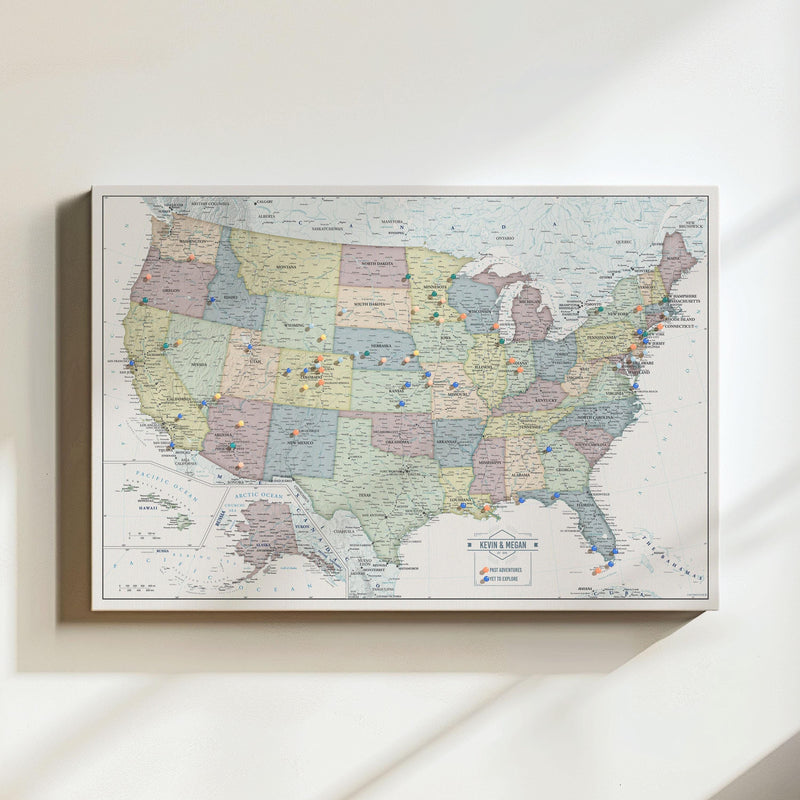
Muted Tones - USA Push Pin Travel Map
From $69.95
Push Pin Map
★★★★★
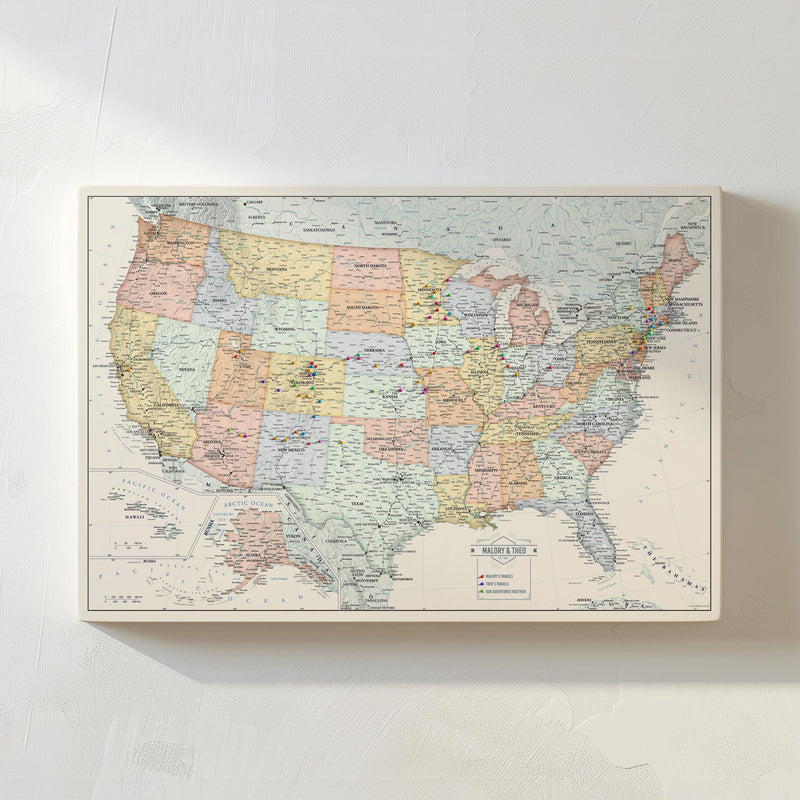
Vibrant USA - Push Pin Travel Map
From $69.95
Push Pin Map
★★★★★
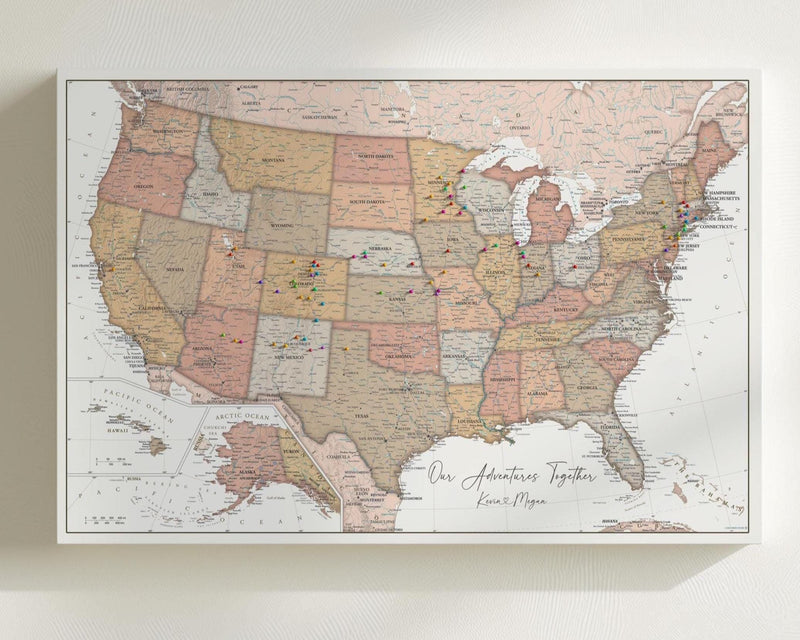
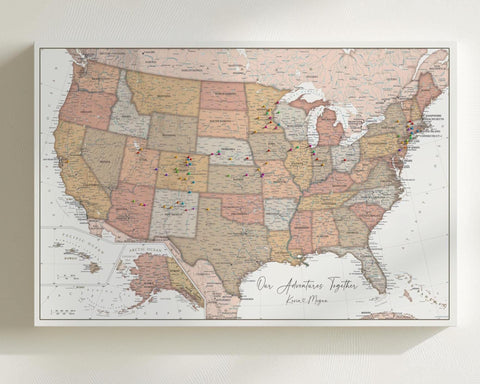
Heartstrings USA Push Pin Travel Map - Personalized US Map
From $69.95
Push Pin Map
★★★★★