Last updated: September 28, 2026. This policy covers version 2.0 of the app and later.
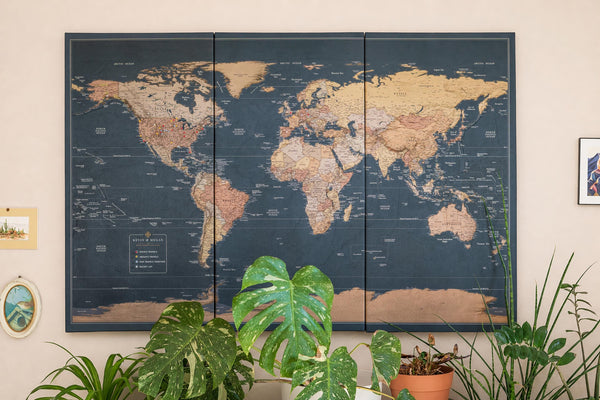
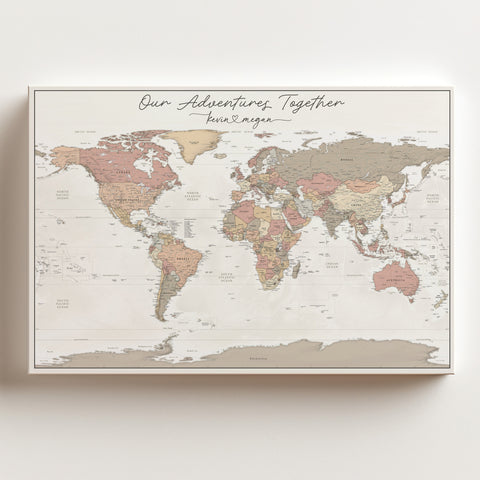
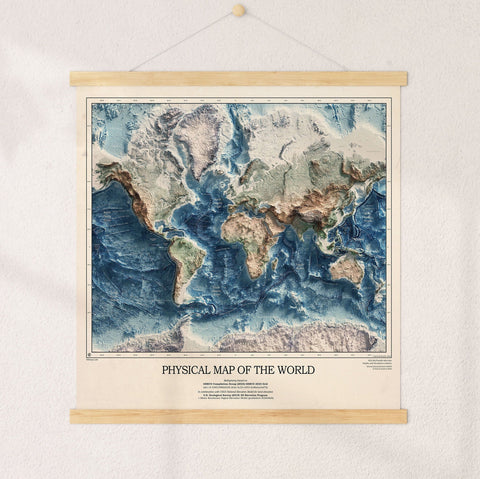
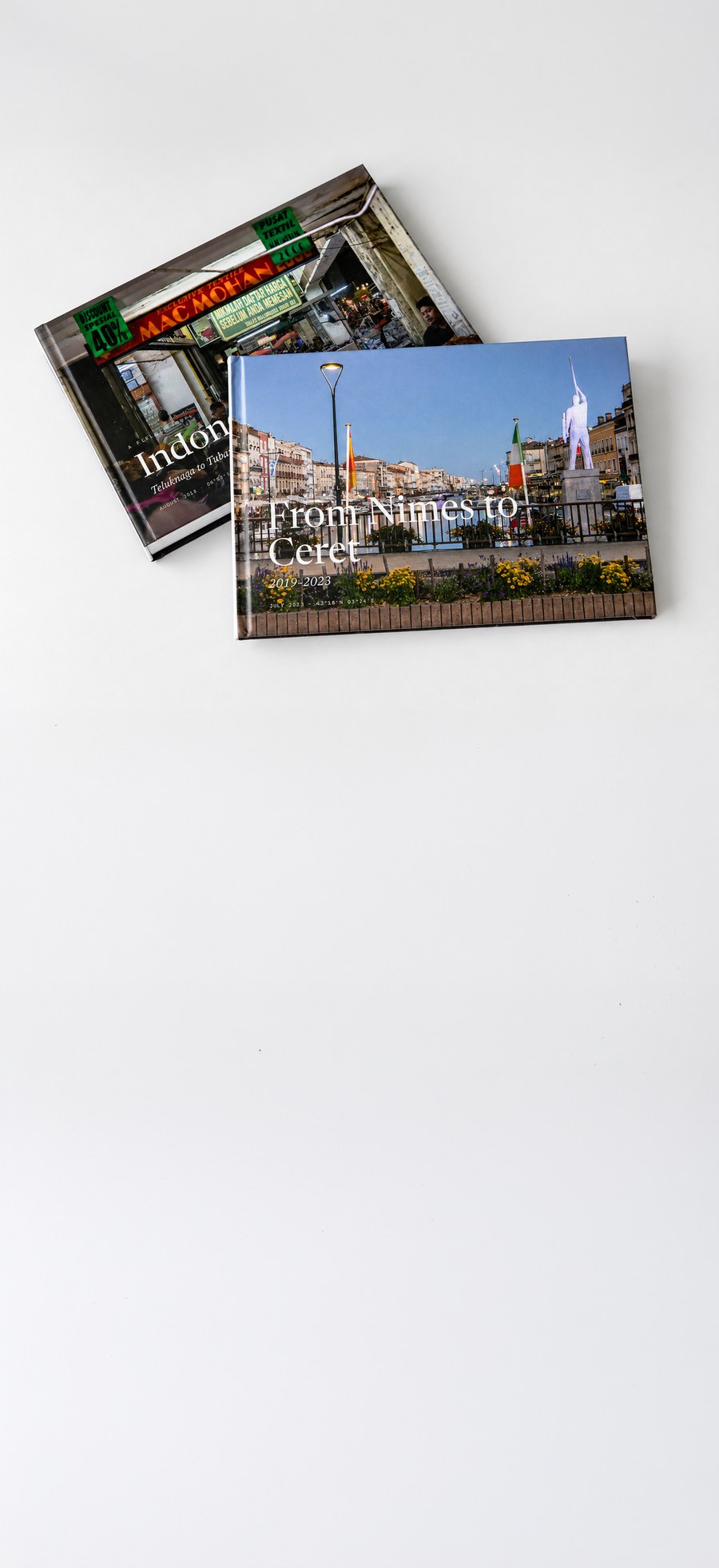
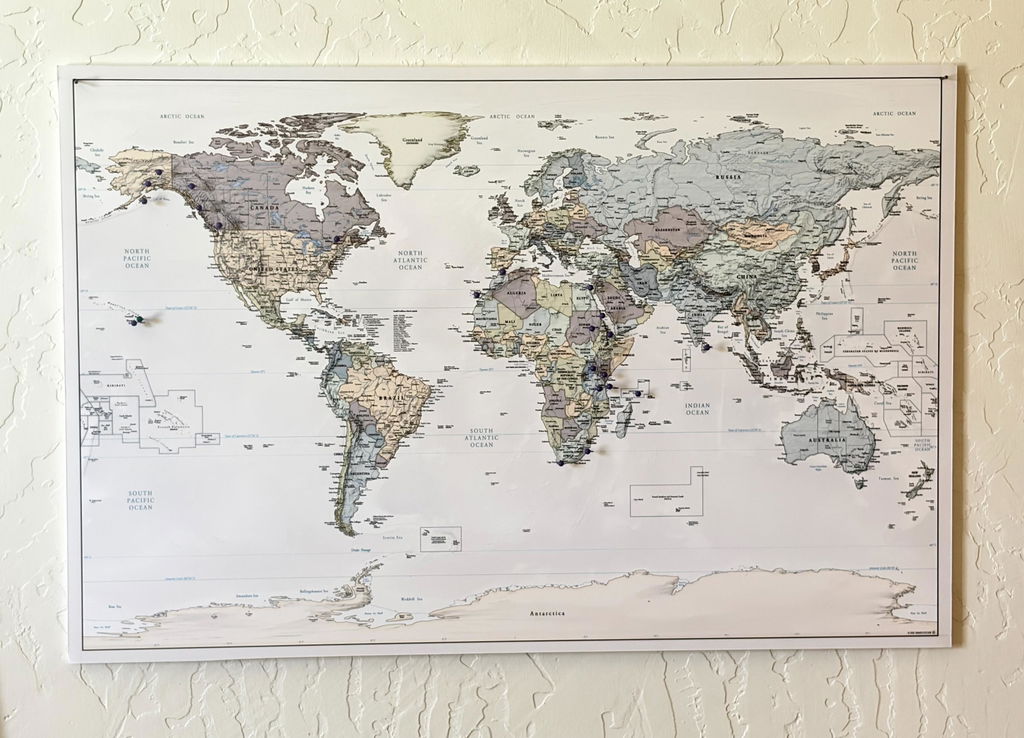
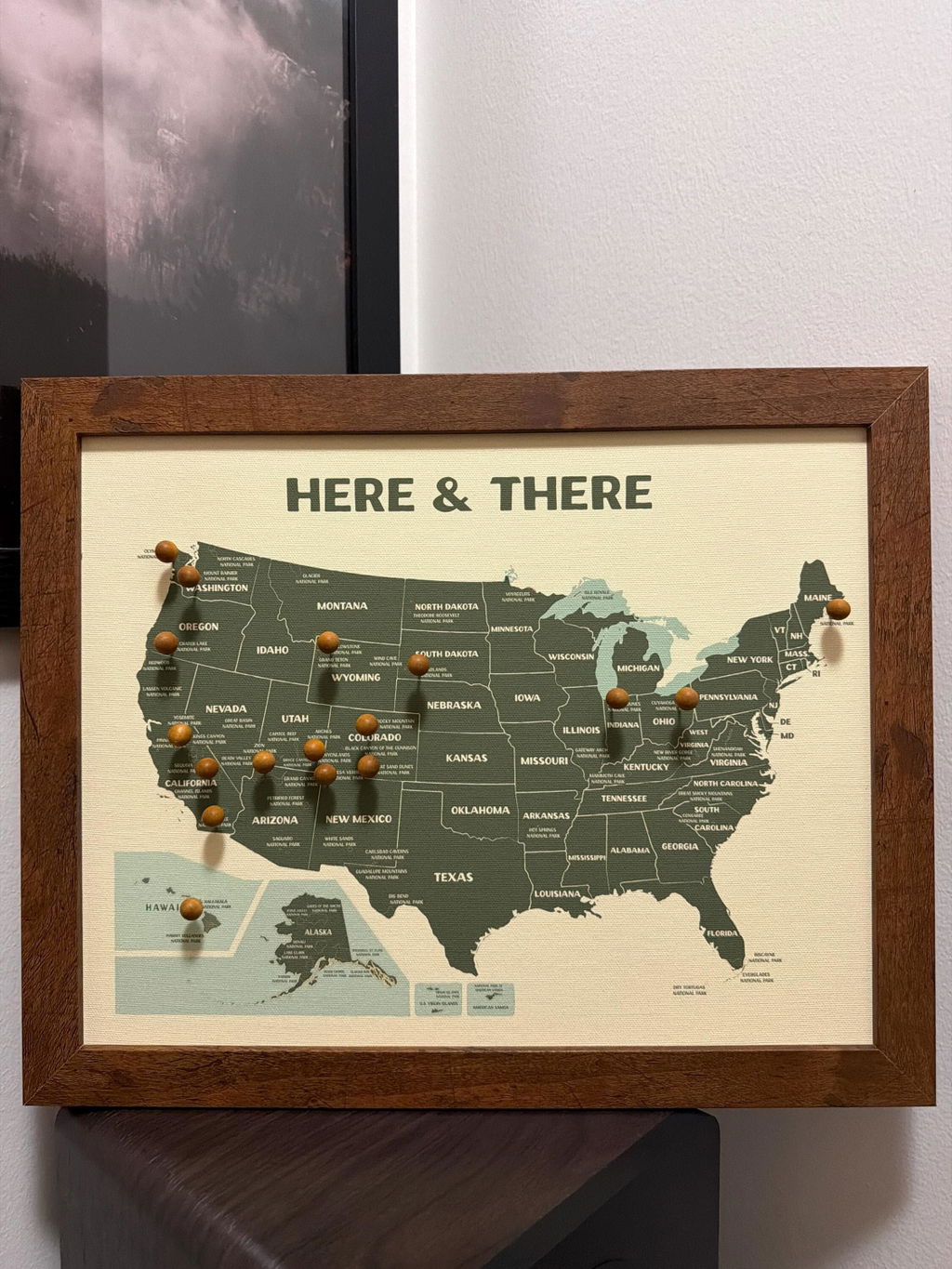
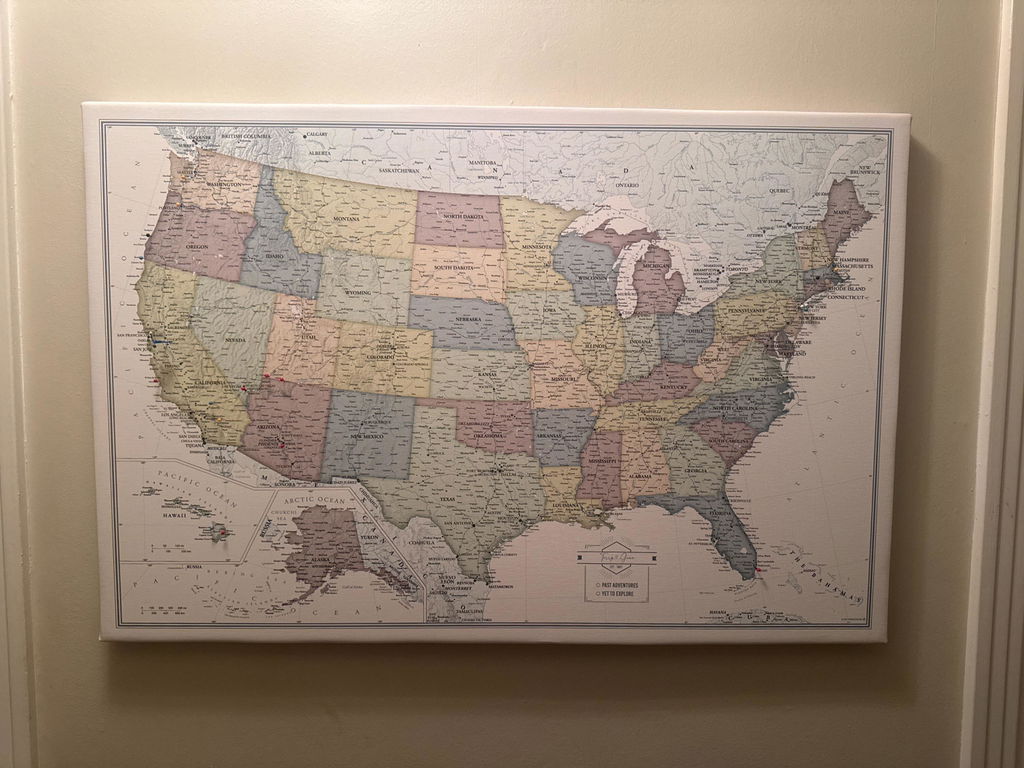
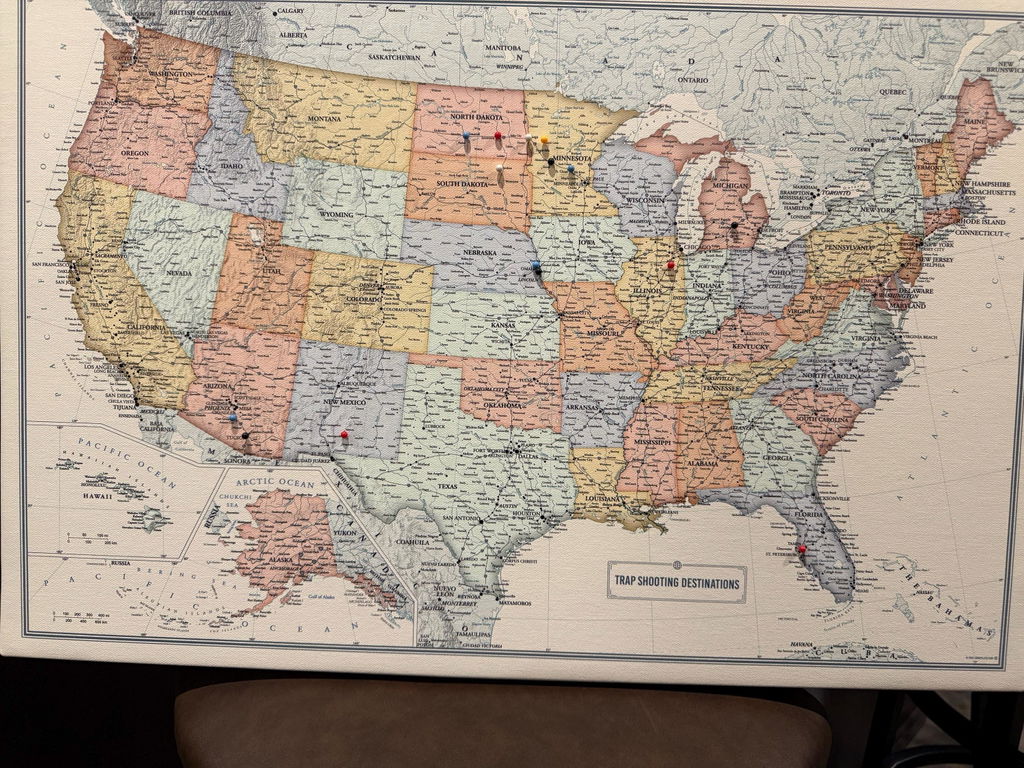
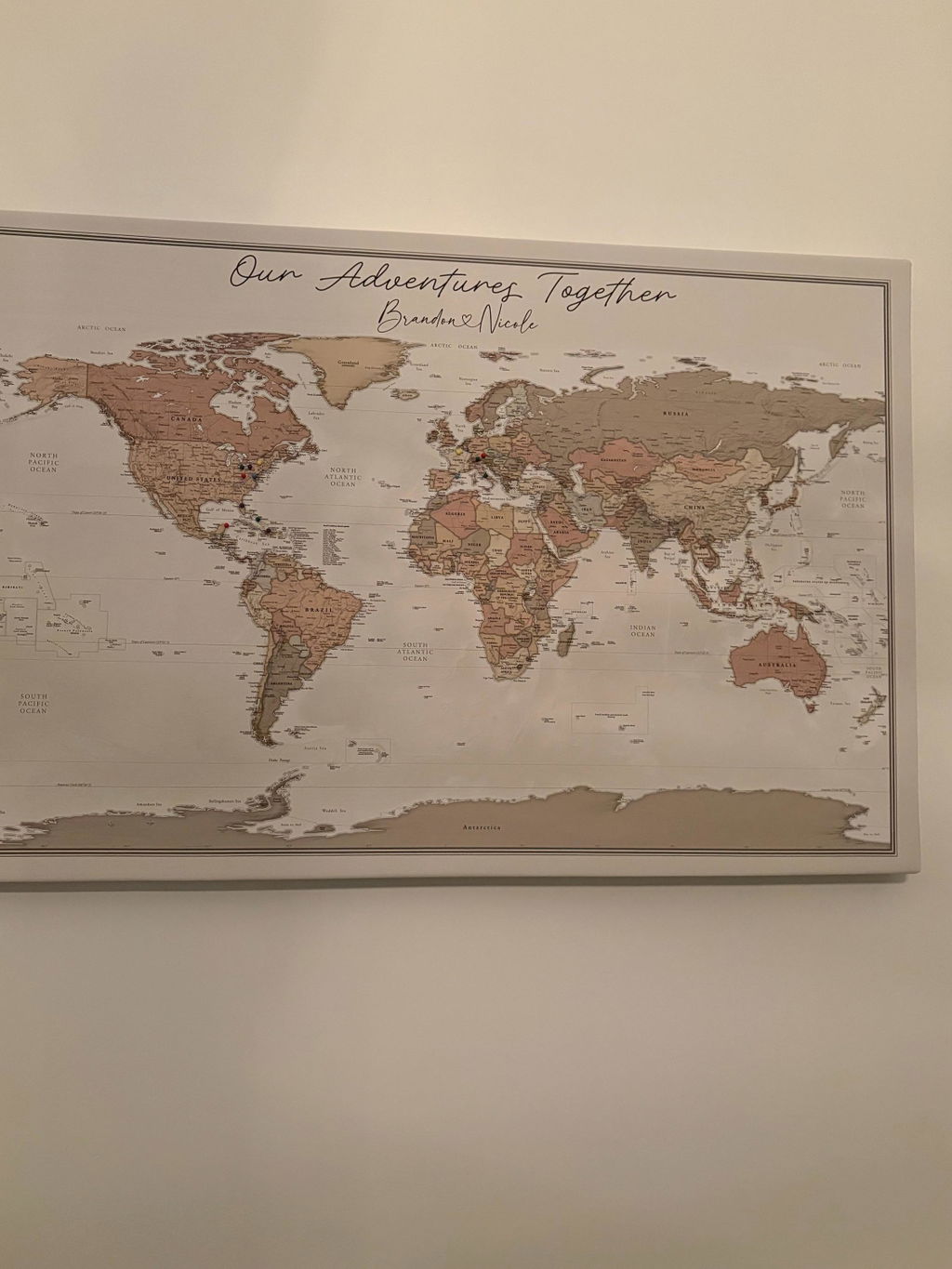
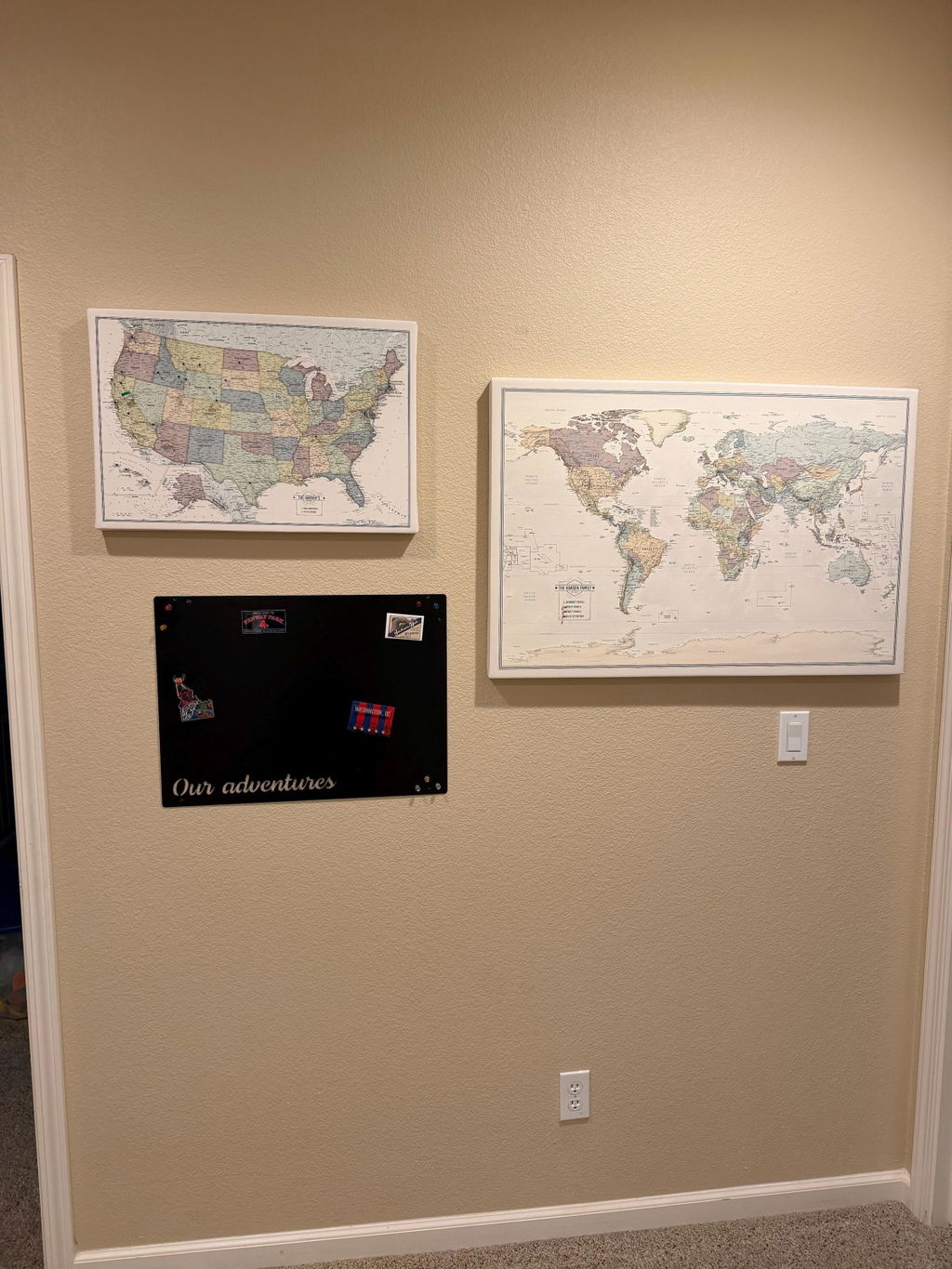
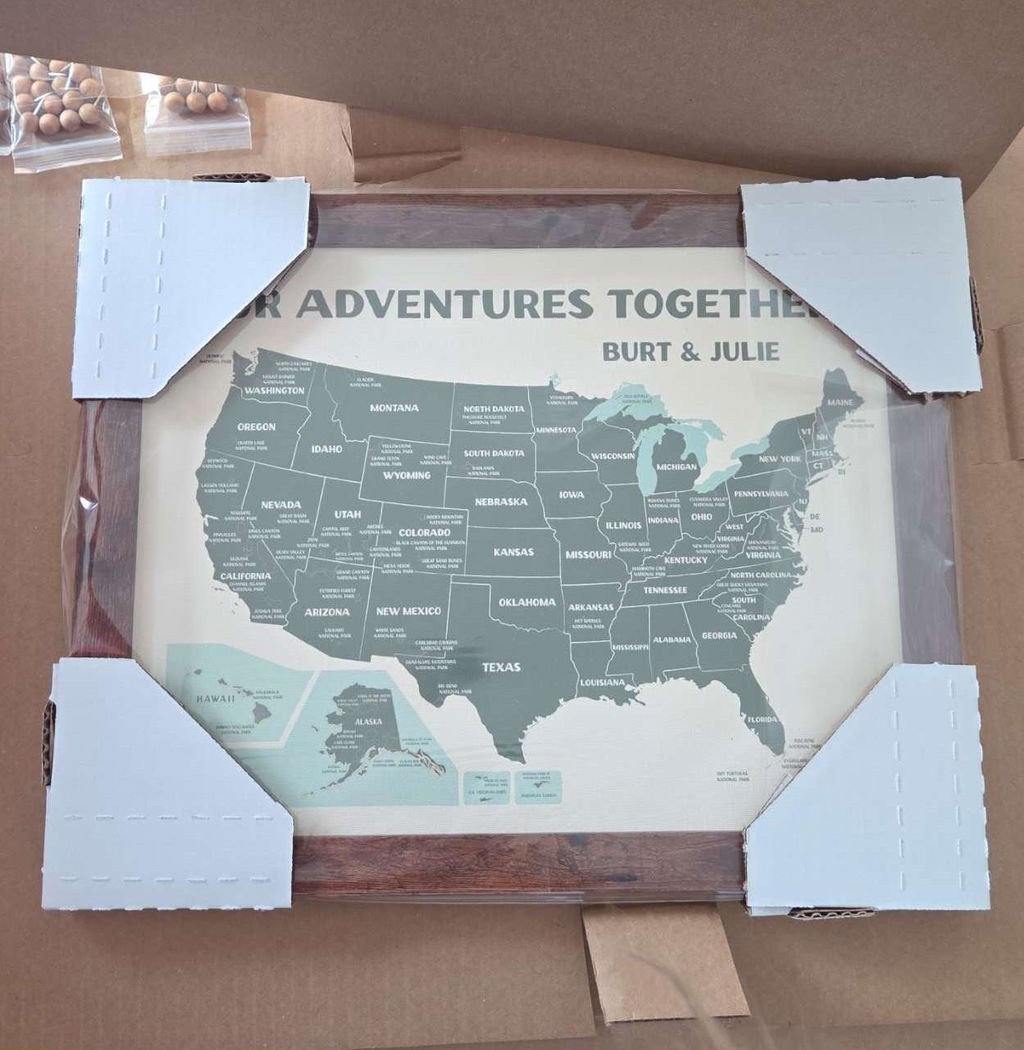
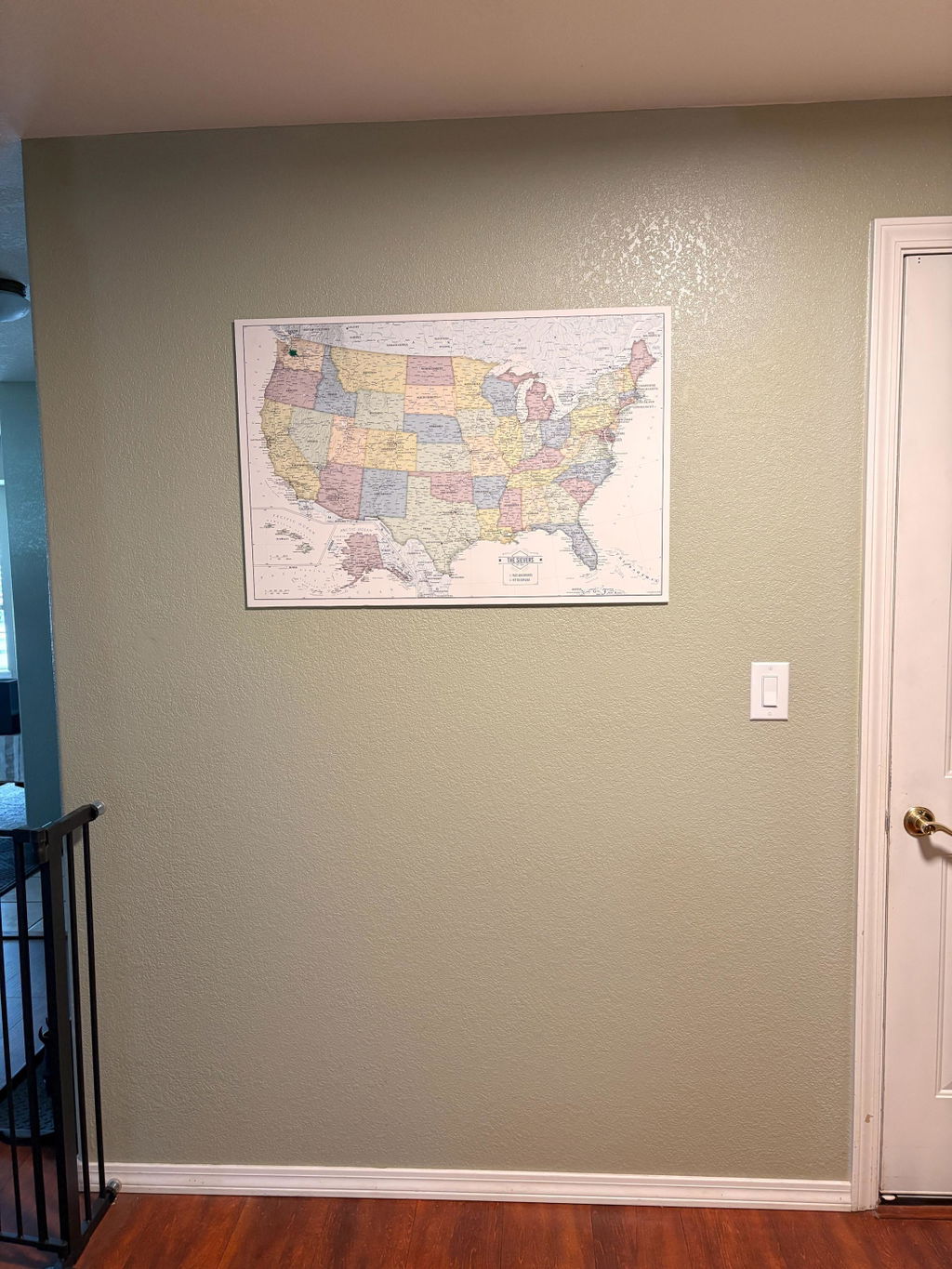
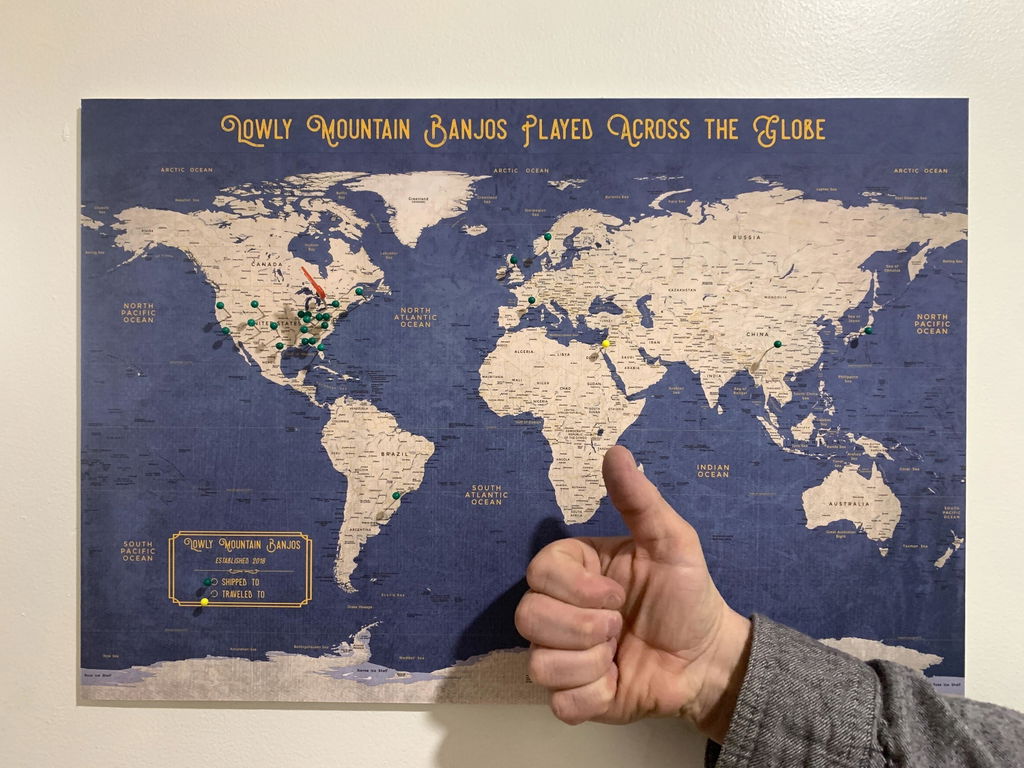
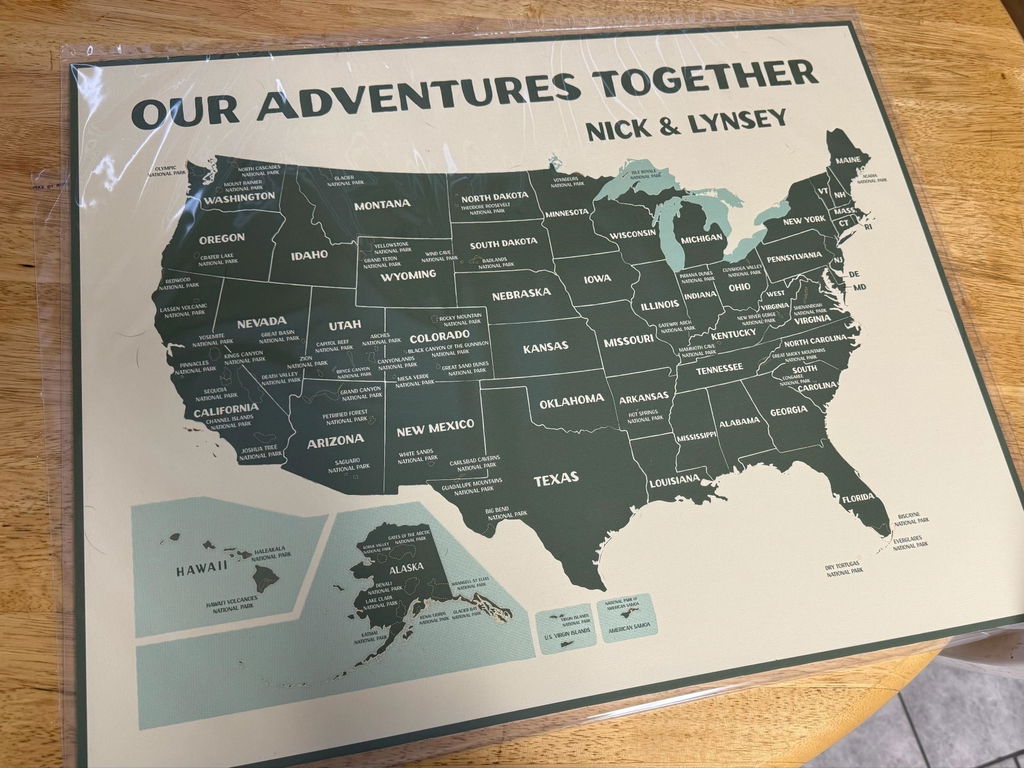
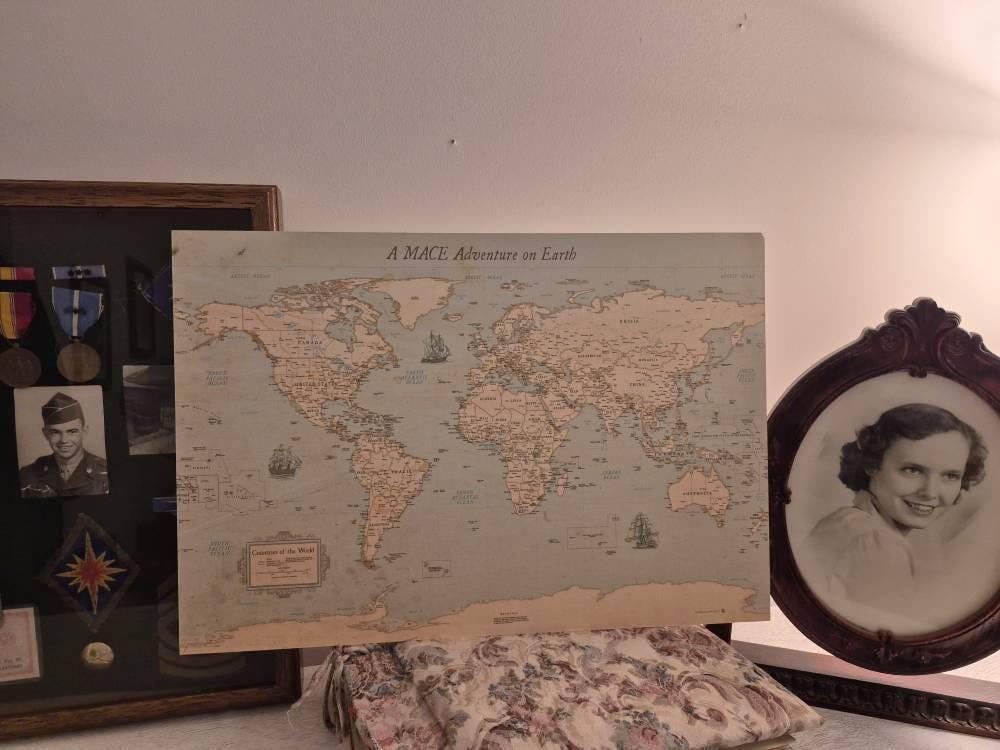
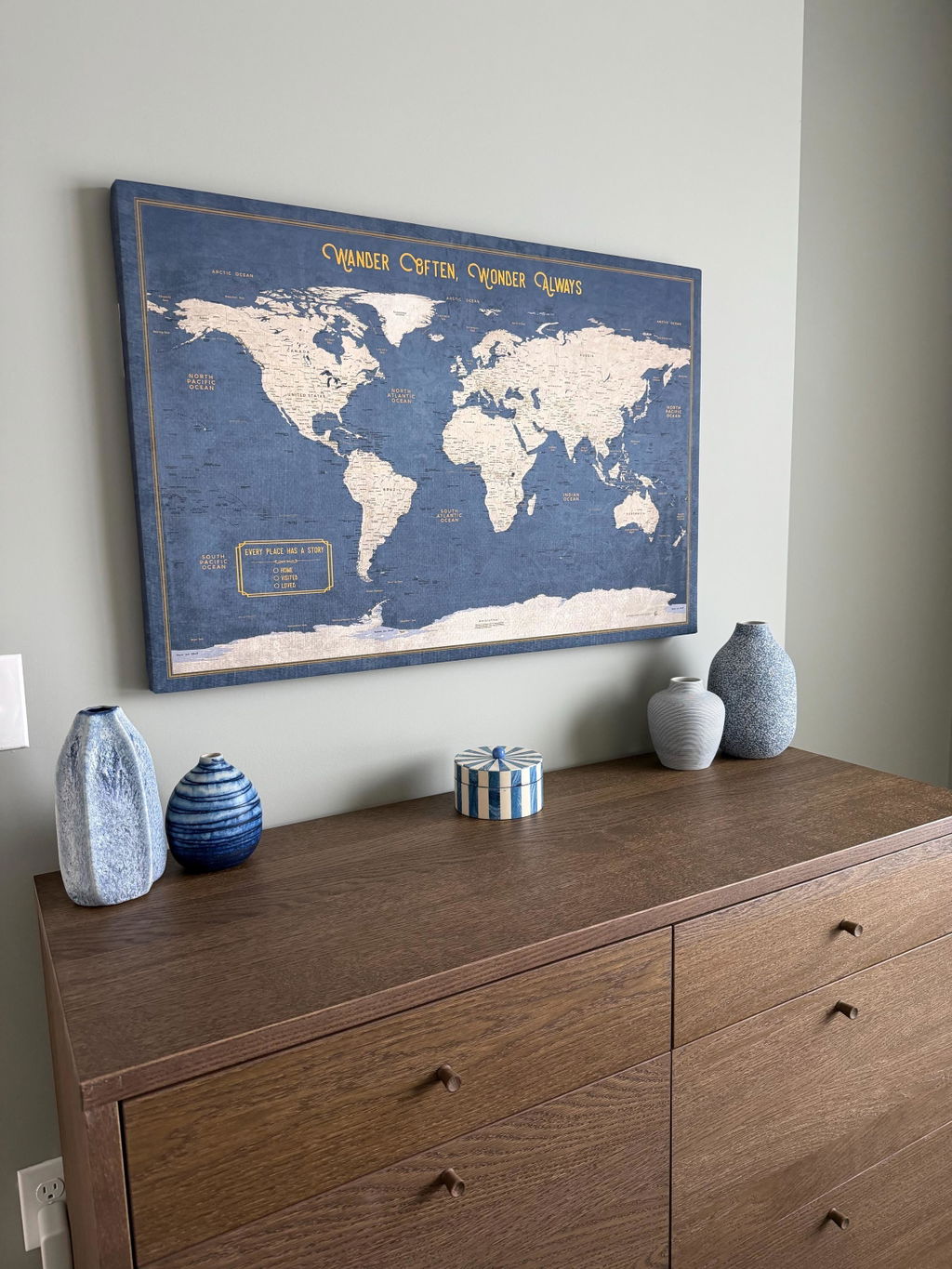
KR Maps Journeys ("the app") is made by KR Maps ("we", "us"), which makes push-pin wall maps and printed travel books. The app finds the trips in your photos and shows them on a map, including the artwork of your KR Maps print. This policy explains what the app reads, what stays on your phone, what leaves it and why, who receives it, how long it's kept, and the choices you have.
The short version
-
Your photo library is read on your phone. The app reads the date and place on your photos to find your trips. Your photos are not uploaded to us.
-
Photos leave your phone only when you send them: photos of your wall map, so we can read its pins; copies of the photos you choose for a travel book; and journeys you send to a phone nearby or as a file.
-
To name the places in your trips, the app sends locations, never photos, to map services.
-
No accounts, no ads, no tracking, and we don't sell your information.
What the app reads on your phone
-
Your photos. With your permission (all your photos, or only the ones you choose), the app reads each photo's date and time, its location and its size, and details such as whether it's a screenshot, which it skips. This happens on your phone. On Android the app also asks for access to photo locations, because Android removes them otherwise.
-
The camera, to scan the QR code on your KR Maps print, to photograph the pins in your wall map, and to read the code another phone shows when it sends you journeys. The app never records sound.
-
Your local network, to find a phone nearby and send or receive journeys over the Wi-Fi you share.
-
Photos you bring in. When you bring in photos from the cloud (Google Photos, iCloud, Drive and so on) with your phone's own picker, the app keeps a copy of each one on your phone.
What's stored on your phone
The app keeps its own database on your phone: an index of your photos (their ids, dates, locations and sizes), the journeys it found and the changes you make to them, the names, captions and notes you write, the pins from your wall map and the places you want to go, your homes, your map choices and the prints you've added, place names it has looked up, copies of photos you brought in or received from a phone nearby, the last few errors the app ran into (at most five), and your settings. It also keeps the street map's images it has loaded, for up to 30 days, so they needn't load again. We don't have a copy of any of it.
Settings > Erase everything deletes all of it, and so does deleting the app. On Android the app's data is left out of Google's backups. On iPhone your own device backups (such as iCloud Backup) may include it.
What leaves your phone, and why
Place names (automatic; locations only)
-
Town and city names. The location of each stop on a journey is given to your phone's own geocoding service (Apple's on iPhone, Google's on Android) to name the town or city.
-
Names of the places within a journey (the temple, the beach, the market). When you open a journey, the app sends the middle of each part of it, and how far its photos spread, to OpenStreetMap's public Overpass service (overpass-api.de) and to Wikipedia, run by the Wikimedia Foundation. Each place is asked about once, and the answer is kept on your phone.
These lookups carry no name, account or photo. Like every internet request, they include your phone's IP address.
Maps
The street map comes from Mapbox, and your print's artwork from our own servers on Amazon Web Services (CloudFront). Loading a map sends the area you're looking at and your IP address to these services. The app gets its street-map key from our server.
Reading the pins in your wall map (only when you use it)
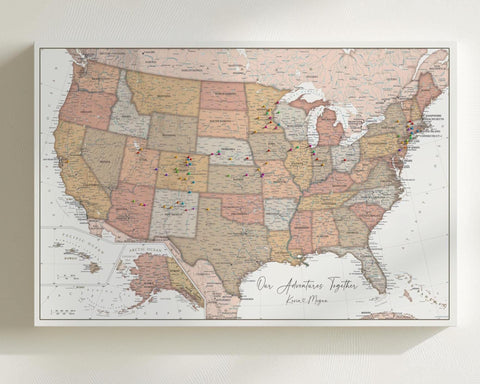
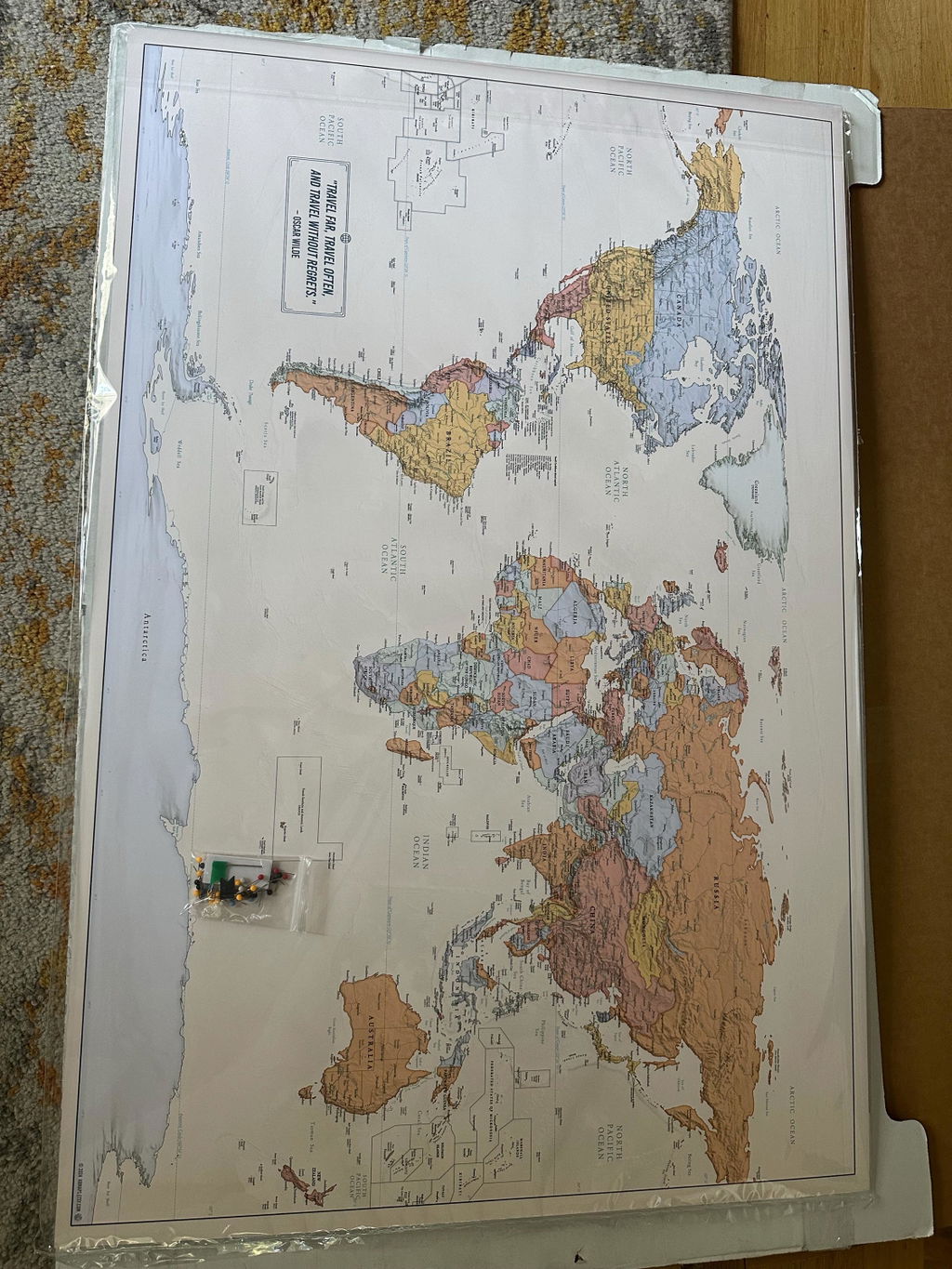
- When you photograph your wall map, or pick photos of it, the app asks before the first photo is sent. Each photo then goes through our server (on Cloudflare) to our pin reader (hosted by Fly.io), which finds your pins with computer vision and sends back where they are.
- Before a photo leaves your phone, the app redraws it, which removes its location and the other details the camera stored in it. It sends two measurements the pin reader needs alongside: the lens's focal length and whether the phone's light was on.
- The pin reader keeps none of the photos. They're deleted as soon as they've been read, and they aren't passed on to anyone else or to any AI service.
- So the pin reader can't be misused, the app asks our server once for a random token for your install of the app. It identifies the install, not you. Our server allows each token a set number of reads a day and keeps a record of each use (no photos) for up to 3 months. It also counts how many tokens are handed out to each internet address, and forgets those counts after a day.
Making a travel book (only when you send one)
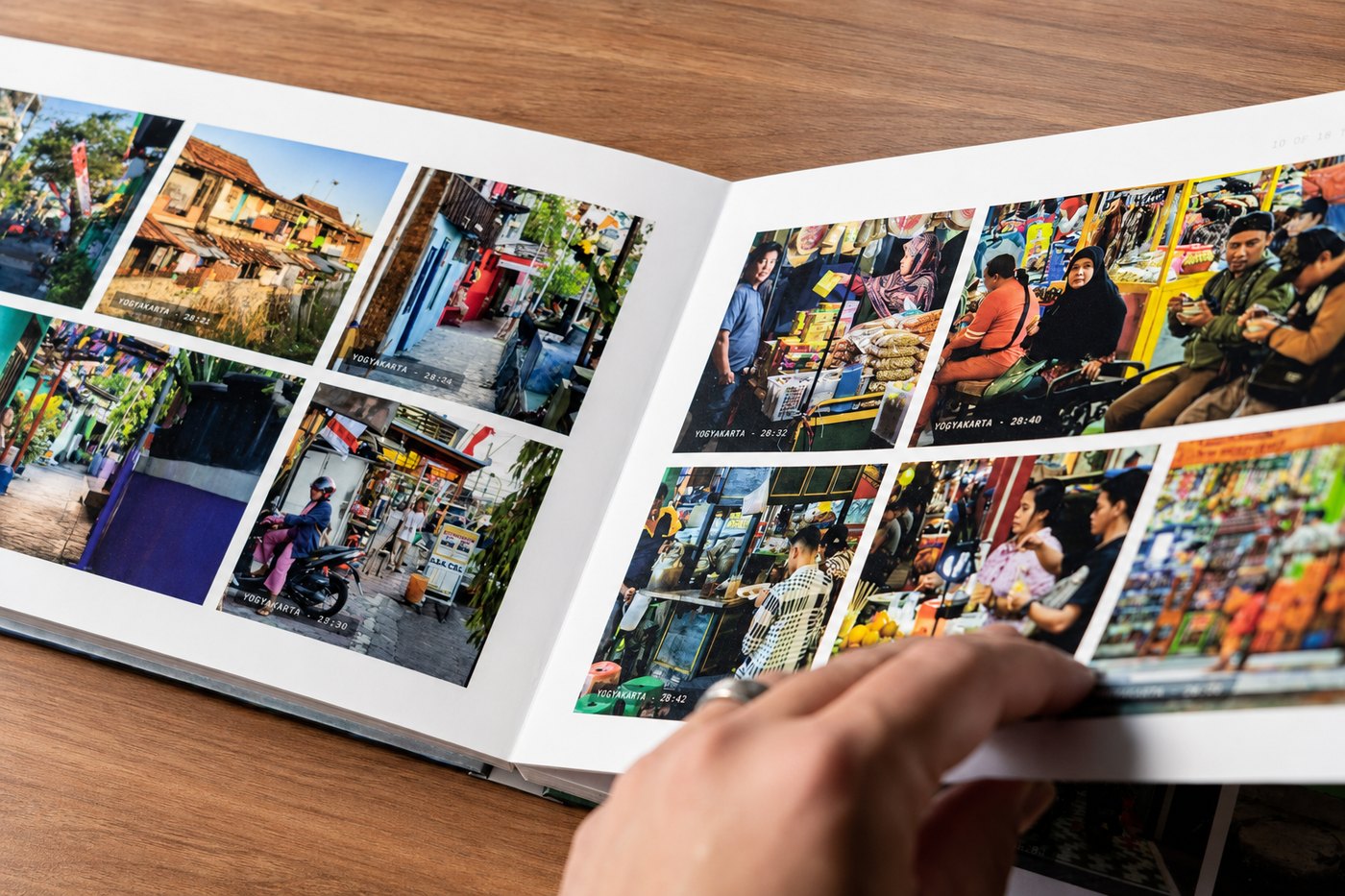
- When you send a journey to the KR Maps book studio, the app uploads copies of the photos you left ticked (in three sizes, with the details the camera stored in them removed) and a description of the book: each photo's date and time, location and place name, and file name, and the journey's title, story, day notes and captions. They're kept in our storage (on Cloudflare R2) so the studio can lay out your book in your browser. Your book's link is its only key: there's no account.
- They're used only to make your book. Nobody at KR Maps looks at them unless you ask us for help, or an order you placed needs checking before it can print, and no AI service receives them.
- An unfinished book, and its photos, are deleted automatically within 30 days of your last change.
- If you order the book, you check out on krmaps.com (through Shopify), where our website's privacy policy applies. The finished book goes to our print partner, Prodigi, with your shipping details, to be printed and shipped. We keep the book's print file for 30 days, in case it needs reprinting after a lost or damaged delivery, and the order's status for one year, so the app can show it under Your books.
Sending journeys to a phone nearby (only when you do it)
The two phones find each other on your Wi-Fi and connect directly once you confirm the pairing code. The journeys and their photos go straight from one phone to the other, encrypted with a certificate your phone makes for that one send. Nothing passes through our servers. What you send becomes a copy on the other phone, under its owner's control, so share only with people you trust.
Sending journeys as a file (only when you do it)
You can also send journeys as a file, through your phone's share sheet, to any app you choose: Messages, email, AirDrop, Quick Share, Drive and so on. The file holds the journeys' photos, with each one's place and time, and what you've written about them. It goes wherever you send it, under that app's own terms, and never to us. Opening such a file in the app brings its journeys in as a copy on your phone.
Your print's QR code
The code is read on your phone, and nothing about it is sent to us. The app reads it with Google's ML Kit, which works on the phone. Google says ML Kit sends Google information about how it's working, for diagnostics: device and app details, performance measurements, error codes and an identifier for the app's installation that isn't meant to identify you or your phone. It doesn't send the camera's images.
Reporting a problem (only when you send it)
If you report a problem, from Settings or from the page the app shows when it can't start, your own mail app opens an email to support@krmaps.com. The app fills it in with what helps us find the problem: the app's version; your phone's make, model and system version; how many photos the app has read, how many have a place, and whether you've shared only some; how many journeys it found and which map you're using; and the last few errors the app ran into, each with when it happened and where in the app's code. You can read and delete any of it before you send, and nothing is sent unless you send the email yourself. We use it only to answer you and fix the problem.
Links
Help, pricing, the book studio and this policy open in your browser on krmaps.com, where our website's privacy policy applies.
What we don't do
- There are no accounts or sign-in.
- No advertising, no advertising identifiers, and no tracking across other companies' apps or websites.
- We don't sell your personal information or share it for advertising.
- We don't use analytics or crash-reporting tools. The only diagnostics that leave the app are ML Kit's, described above, which go to Google.
- We don't use your photos, locations or writing to train AI, and we don't send them to AI services.
Who receives information
Companies that work for us. These process information only to run our services, under their agreements with us:
Services the app looks things up with. Each receives only what its lookup needs, and handles it under its own privacy policy:
We may also disclose information if the law requires it, or to protect the safety of our users and our services. If KR Maps is ever sold or merged, this policy will continue to apply to the information we hold.
How long it's kept
| What |
Where |
How long |
| Your journeys, edits, pins, notes, settings and imported photos |
Your phone |
Until you erase them or delete the app |
| Photos of your wall map |
Our pin reader |
Only while they're read; not stored |
| Record of each use of your install's pin-reader token |
Our server |
Up to 3 months |
| Count of tokens handed out to an internet address |
Our server |
About a day |
| An unfinished book: photo copies and description |
Our storage |
Deleted within 30 days of your last change |
| An ordered book's print file |
Our storage, then Prodigi |
30 days with us; Prodigi's policy for theirs |
| An ordered book's status |
Our server |
One year |
| A problem report you email us |
Our email |
As long as we need it to answer you and fix the problem |
| Place-name and map lookups |
The services above |
Their own policies; we keep nothing |
Your choices and rights
-
Photo access. Give the app all your photos, only the ones you choose, or none. You can change it at any time in your phone's settings. With only some photos, the app finds trips in those alone; with none, you can still make a book from photos you pick.
-
Reading the pins in your wall map, making a book and sending journeys to a phone nearby or as a file only happen when you start them.
-
Erase everything in Settings deletes everything the app stored on your phone.
-
Ask us to delete an unfinished book early, to delete what we hold about an order, or anything else about your information, at the address below. Because there are no accounts, please include your book's link (or tell us roughly when you sent it) so we can find it. We reply within 30 days.
- Depending on where you live, including California and other US states, the EU and the UK, you may have the right to know what we hold about you, to get a copy, to have it corrected or deleted, and to object to how we use it. You can use these rights by emailing us, and we won't treat you differently for doing so.
If you're in the EU or UK
KR Maps is the controller of the information described here. We rely on these legal bases: providing the service you ask for (reading your wall map's pins, making and printing your book), your consent where the app asks for it (such as before the first photo of your wall map is sent), and our legitimate interests in providing the app's features (looking up place names for your journeys) and in keeping our services secure (the pin reader's tokens and their records). Our providers may process information in the United States and other countries, under safeguards such as the European Commission's standard contractual clauses. You can complain to your data protection authority.
Security
Everything the app sends travels encrypted (HTTPS). Photos are stripped of their location and other stored details before they leave your phone, sending to a phone nearby uses a certificate made for that one send, and our servers keep what they're sent only as long as this policy says. No system is perfectly secure, but we work to protect what we hold.
Children
The app isn't directed at children under 13, and we don't knowingly collect information from them. If you believe a child has sent us information, email us and we'll delete it.
Changes to this policy
When we change this policy we update the date at the top. If a change affects what leaves your phone, we'll say so in the app or in its store listing before it takes effect.
If you're still on version 1.x
Version 2.0 replaces 1.x as an update. Until your phone has it, 1.x works a little differently: it sends crash reports to Firebase Crashlytics (which you can turn off in its Settings), photos of your wall map also go to Roboflow as a second pin detector, and you can send us feedback from inside it. Its full policy is in the app, under About.
Contact
Questions or requests about your privacy: kevin.reinhardt@krmaps.com